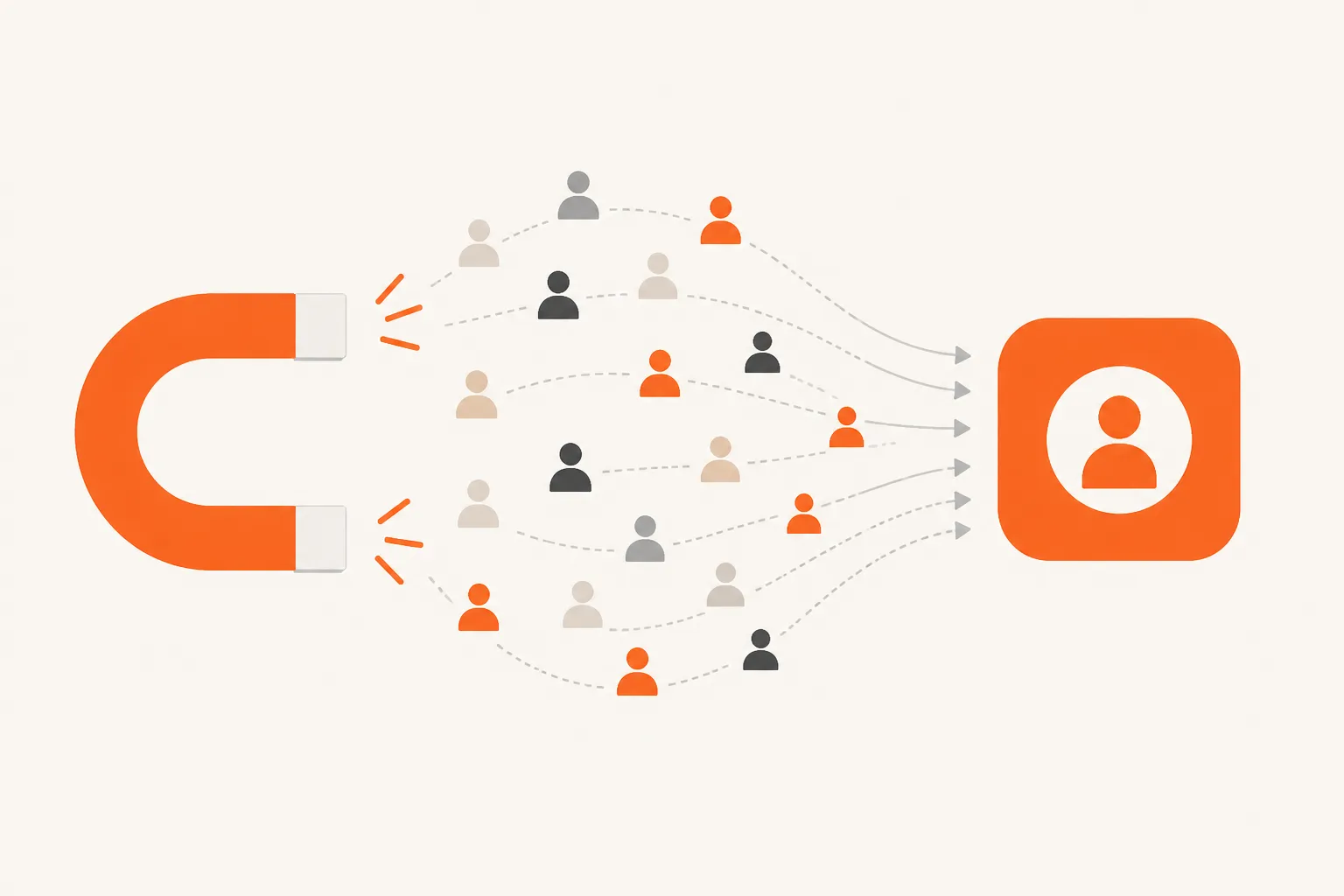
A user acquisition strategy is a plan for getting new users into your app at a cost you can afford: pick one audience, test a few channels, measure installs and retention by source, and scale only what pays back. Most UA guides are written for game studios with six-figure budgets. This one is for indie developers and small app teams starting with time, not cash.
What is a user acquisition strategy?
User acquisition (UA) is how your app gets new installs. A strategy turns that into decisions: who, where, how much, and how you'll know it worked. It sits inside your broader mobile app marketing strategy.
- Audience: one specific user with one specific problem.
- Channels: two or three places that person already spends time.
- Economics: the most you can pay for one user and still profit.
- Measurement: installs, retention and revenue tracked per source.
Without the last two, UA is just "posting stuff and running ads."
Which user acquisition metrics matter?
Five numbers decide every UA call. Learn them before you spend a dollar on ads.
- CPI (cost per install): ad spend divided by installs.
- CAC (customer acquisition cost): spend divided by paying users, not installs.
- LTV (lifetime value): average revenue one user brings before churning.
- Day-7 retention: share of new users still active a week later.
- Payback period: months until a user's revenue covers their CAC.
The rule of thumb: keep CAC under one third of LTV. A habit app earning $30 per subscriber can pay up to $10 to acquire one.
Organic vs paid user acquisition: what's the difference?
Organic UA costs time and compounds. Paid UA costs money and stops the day you pause the budget. Small teams need both, in that order.
| Organic UA | Paid UA | |
|---|---|---|
| Main channels | Short-form video, ASO, communities, referrals | Apple Search Ads, Meta, TikTok, Google App Campaigns |
| Cost | Time and effort | $1 to $5+ per install |
| Speed | 2 to 8 weeks to traction | Installs within days |
| Durability | Keeps working after you stop | Stops when spend stops |
| Best stage | Pre-product-market fit, first 1,000 users | Proven retention, scaling up |
| Main risk | Inconsistency | Paying for users who churn |
Start organic to learn which message converts. Then pay to put that message in front of more people.
How to build a user acquisition strategy step by step
Follow these steps in order. Each one makes the next cheaper and less risky.
- Define one user. "Busy parents who want to log meals in 10 seconds," not "health-conscious people."
- Fix the store page. Benefit-led screenshots, a keyword-rich title and a short preview video. Every channel lands here.
- Set your UA ceiling. Estimate LTV, divide by three, and that's your max CAC.
- Pick one organic engine. For most consumer apps, that's daily short-form video plus ASO.
- Run it for 30 days. One problem, one demo, one result per clip.
- Tag every source. UTM links and App Store campaign links per channel.
- Add one paid test. $10 to $30 a day, using your best organic clips as ad creatives.
- Review monthly. Cut the worst channel, double down on the best one.
For the full launch-to-growth picture, read how to market an app.
What are the best mobile app user acquisition channels?
Mobile app user acquisition comes down to a short list. Pick two to start, not all six.
- Short-form video. TikTok, Reels and Shorts show new accounts to fresh viewers. The biggest free reach channel in 2026.
- App Store Optimization. Rank for the words people type in the store. Low effort once set up.
- Communities. Reddit, Discord and niche forums. Answer questions first, mention the app when it fits.
- Apple Search Ads. The highest-intent paid channel on iOS. Bid on keywords you already rank for.
- Meta and TikTok ads. Strong reach with UGC-style creatives. Polished banners underperform.
- Referrals. Reward users with a feature or credit per invited friend. Cheapest installs you'll get.
The how to promote an app guide ranks these by cost and effort in more detail.
How do you test user acquisition channels?
Most teams test too many channels with too little volume. Run fewer, cleaner tests.
- One variable per test. Change the hook or the audience, never both.
- Set a stop rule upfront. "Kill it if CPI is above $4 after 500 installs."
- Give it two weeks. Daily numbers swing too much to judge.
- Compare cohorts, not totals. Check day-7 retention per channel.
- Keep a test log. Hook, channel, spend, installs, retention. Patterns show up by week four.
Why creative is the real user acquisition strategy
This is the part most UA guides skip. Ad platforms now automate targeting, so your creative is your targeting. The video decides who stops scrolling.
- Organic video is a free creative lab. Post 20 hooks, see which 2 get watched through.
- Winners become ads. Boost them as Spark Ads or run them on Meta.
- Fatigue is constant. Strong creatives burn out in 2 to 4 weeks. You need a steady supply.
- Volume beats polish. Ten rough UGC-style clips teach you more than one studio ad.
- Match the hook to the user. A language app tests "I froze ordering coffee in Madrid" against "learn Spanish in 5 minutes a day."
The bottleneck is making enough videos. ViralGrow creates UGC-style videos and slideshows for your app and auto-posts them to TikTok, Reels and Shorts every day, so your creative lab runs without filming. See pricing.
What does a 90-day user acquisition plan look like?
Use this as a starting template. Adjust the dates, keep the order.
- Days 1 to 14: define the user, fix the store page, set up tracking and your CAC ceiling.
- Days 15 to 45: post short-form video daily, publish ASO updates, answer questions in two communities.
- Days 46 to 60: review installs and day-7 retention by source. Pick your top three hooks.
- Days 61 to 75: start one paid test with those hooks at $10 to $30 a day.
- Days 76 to 90: cut what misses your CAC ceiling, raise budget 20% a week on what hits it.
The bottom line
A user acquisition strategy is economics plus discipline: know what a user is worth, earn your first users organically, and buy more only with creatives that already convert. Measure installs and retention by source, and let the numbers pick your channels.