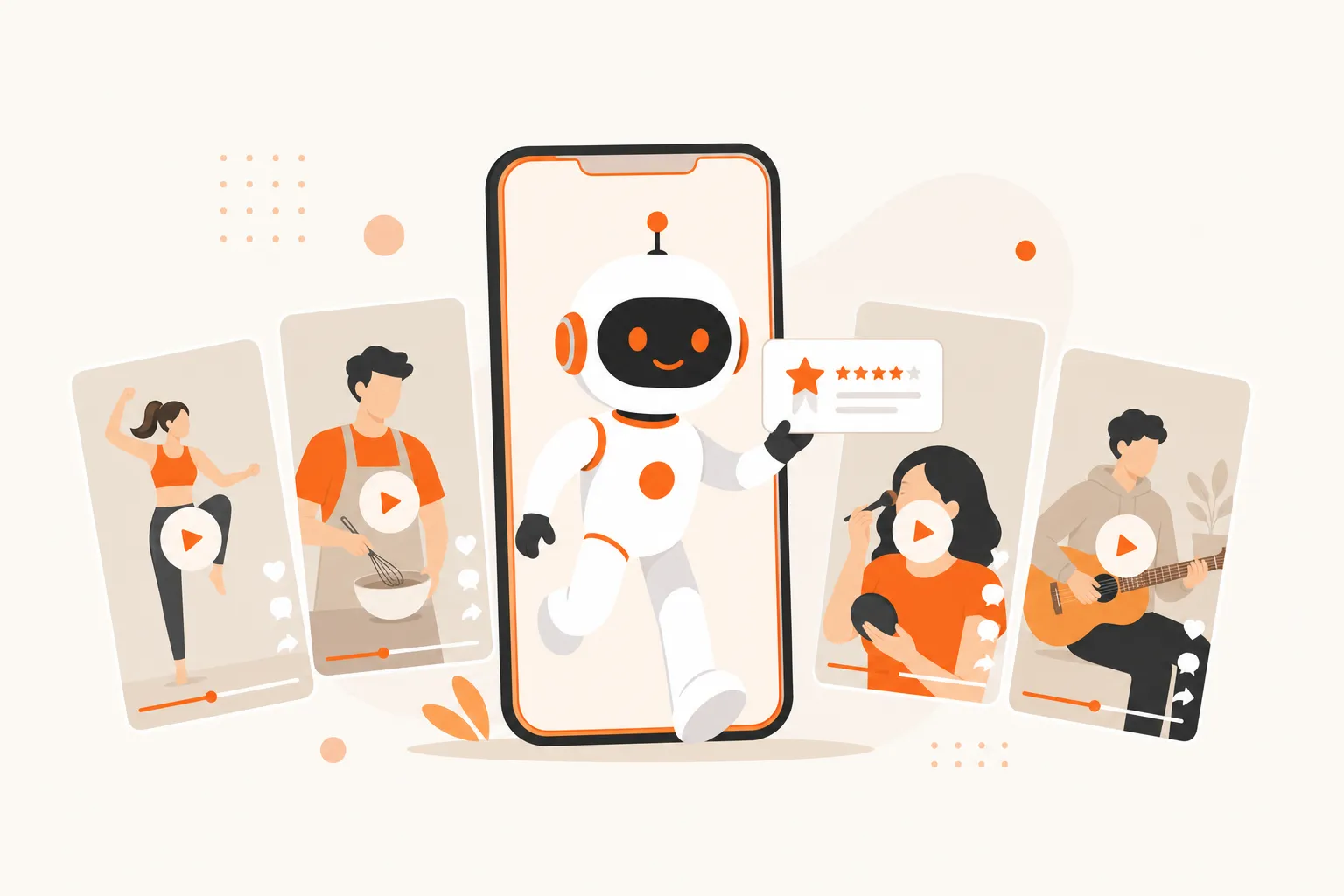
AI UGC is user-generated-content-style video (reviews, reactions, testimonials) created by an AI avatar instead of a real person. It looks native to the TikTok feed, so viewers watch it like any other creator post, not an ad.
Here's what AI UGC is, why it works, and how to use it to grow without ever filming yourself.
What is AI UGC?
AI UGC stands for AI-generated user-generated content. It's video made in the casual, front-facing style of a real creator, but the person on screen and the script are generated by AI.
The whole point is that it doesn't look generated:
- An AI avatar talks to the camera like a normal creator would.
- The format mimics organic posts: reviews, reactions, "day in the life," testimonials.
- It blends into the For You feed instead of screaming "advertisement."
Traditional UGC needs a real person to film every clip. AI UGC removes the camera, the face, and the shoot.
How is AI UGC different from regular UGC?
Regular UGC is authentic and slow. Every video needs a person, a setup, and a take. AI UGC keeps the style but drops the production cost to near zero.
- Speed: generate a video in minutes instead of scheduling a shoot.
- Volume: one person can produce dozens of on-brand videos a week.
- Cost: no creator fees, no equipment, no reshoots.
- Control: change the script, avatar, or hook instantly and re-render.
You trade a little raw authenticity for a massive gain in output. For most growth accounts, that trade wins.
Why does AI UGC work on TikTok?
Because TikTok ranks every video on behavior, not on who made it. The algorithm drops each post into a small test pool and watches four signals: completion, rewatches, shares, and how fast they arrive.
AI UGC checks the boxes that matter:
- It looks native, so viewers don't scroll past it as an obvious ad.
- The front-facing "talking creator" format holds attention and drives completion.
- You can produce enough of it to test many hooks and find the winners.
The avatar being AI is irrelevant to the algorithm. A watchable video is a watchable video. For the full mechanics, see how the TikTok algorithm actually ranks videos.
What can you make with AI UGC?
AI UGC covers most of the formats that already perform on short-form. The best ones feel like a real person sharing something.
- Product reviews: an avatar reviewing an app, tool, or physical product.
- Reaction videos: an AI creator reacting to a clip, screenshot, or trend.
- Testimonials: short "here's what changed for me" style clips.
- Explainers: a talking-head breaking down a tip or how-to.
- Faceless voiceovers: narration over B-roll or slideshows.
Reaction videos in particular scale beautifully: viewers often don't notice the creator is AI at all, and each one takes minutes to make.
How to use AI UGC to grow: step by step
Treat AI UGC like any content engine. Pick a niche, test volume, and double down on what works.
- Pick one tight niche. TikTok needs to know who to test you on, so stay focused.
- Choose a format. Start with reactions or reviews, they're fast and native.
- Write hook-first scripts. The first 3 seconds decide the video's fate. Lead with the payoff.
- Generate a batch. Make 10–20 variations of your best formats in one sitting.
- Post daily. Every video is a fresh test, so volume in one niche is your biggest lever.
- Read the data. Keep the hooks and formats that hit; cut the ones that stall.
- Label realistic AI. Toggle TikTok's AI-content label to stay compliant.
- Automate the loop. Let a tool handle generation and posting so you focus on ideas.
The accounts that win aren't making one perfect video. They're shipping many good ones and letting the algorithm sort them.
AI UGC vs traditional content creation
Both can grow an account. They just cost very different amounts of time and money per video.
| Factor | AI UGC | Traditional content |
|---|---|---|
| Time per video | Minutes | Hours |
| Cost per video | Near zero | Creator + gear fees |
| Needs your face | No | Usually yes |
| Volume per week | Dozens | A handful |
| Best for | Testing hooks at scale | High-trust personal brand |
AI UGC wins on volume and cost. A personal brand still wins on deep trust. Many creators run both: AI UGC for reach, a real face for the occasional flagship post. See how to go viral on TikTok without filming for the faceless side of this.
Is AI UGC allowed, and what are the common mistakes?
Yes. AI UGC is allowed as long as you label realistic AI content under TikTok's synthetic-media policy. The bigger risks are self-inflicted.
- Weak hooks. A boring first line kills the video no matter how good the avatar is.
- No niche. Random topics confuse the test pool and stall reach.
- Over-polishing. Content that looks too much like an ad gets scrolled past.
- Posting once and quitting. One video is a coin flip; volume is the strategy.
Avoid those and AI UGC behaves like any other content; the good ones climb.
How to run AI UGC at scale
Doing this by hand still means writing scripts, rendering avatars, and posting every day. The point of AI UGC is to remove that grind.
This is exactly what ViralGrow is built for: it generates AI UGC reaction videos and faceless slideshows, then auto-posts them to TikTok, Reels, and Shorts on a daily schedule. You get the volume the algorithm rewards without touching a camera. Pair it with the best TikTok hooks for faceless videos, or see pricing to have the whole loop handled for you.
The bottom line
AI UGC is creator-style video made by AI avatars, and it works because the feed judges behavior, not who's on screen. Its edge is volume: more native-looking videos means more shots at the For You page. Pick one niche, lead with a strong hook, post daily, and label your AI, then let your best videos climb.