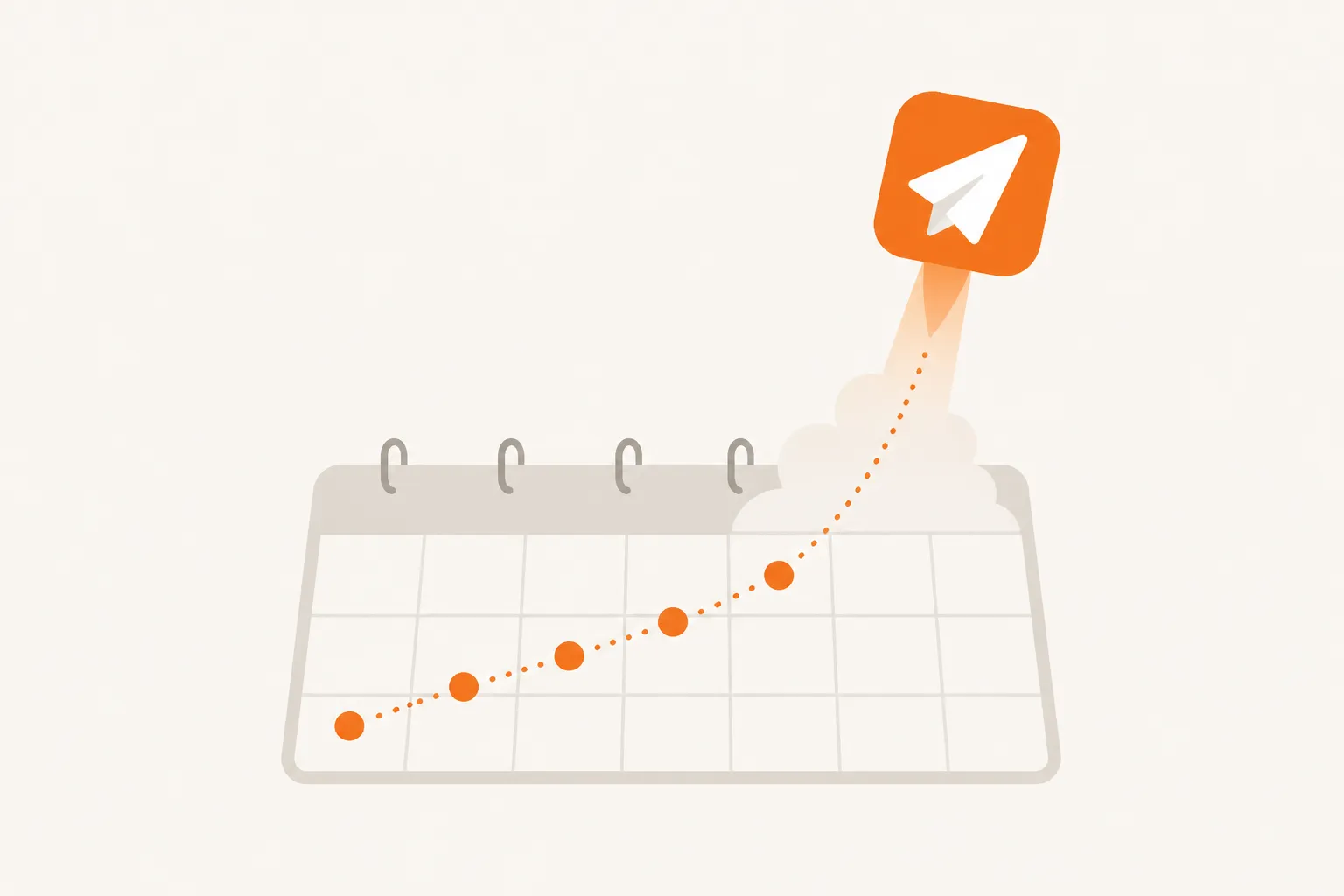
To launch an app, start marketing 4 to 6 weeks before release: build a waitlist, post short-form video daily, prepare the store page, then push every channel on one launch day and keep going for 30 days. Most launch guides cover coding and App Store review. This one covers the marketing side, week by week, so people actually show up.
What does it mean to launch an app?
Launching an app means releasing it and getting its first wave of real users at the same time. Shipping to the store is the easy half. The hard half is having people waiting when it goes live.
- Release: the app passes review and is live in the App Store or Google Play.
- Launch: a planned push that sends a spike of installs, reviews and attention.
- Momentum: the weeks after, where the spike turns into steady growth.
A release with no launch gets zero installs. Stores rank apps that already get downloads.
How to launch an app step by step
Follow these steps in order. Each one makes launch day bigger. For the full marketing picture, read how to market an app.
- Validate the problem. Talk to 10 target users. "A habit app for nurses on night shifts" beats "a habit app."
- Set one launch goal. For example, 500 installs and 20 reviews in the first week.
- Build a landing page with a waitlist. One headline, one demo video, one email field.
- Start posting short-form video. Daily on TikTok, Reels and Shorts, about the problem the app solves.
- Run a beta. TestFlight or a Google Play closed test with your first 20 to 50 waitlist users.
- Prepare the store listing. Keyword-rich title, benefit-led screenshots and a short preview video.
- Launch on one day. Waitlist email, Product Hunt, communities and social posts, all at once.
- Keep going for 30 days. Post daily, answer every review and fix the biggest onboarding drop-off.
What is a good app launch strategy, week by week?
A good app launch strategy is a calendar, not a checklist. This timeline works for a small team or a solo founder.
| Week | Focus | Key tasks |
|---|---|---|
| -6 | Positioning | Validate the problem, write the one-line pitch, pick the launch goal |
| -5 | Audience | Launch the waitlist page, warm up TikTok and Instagram accounts |
| -4 | Content | Post short-form video daily, share build-in-public updates on X |
| -3 | Beta | Invite 20-50 waitlist users, collect bugs and testimonials |
| -2 | Store | Finish screenshots, preview video, keywords and the Product Hunt page |
| -1 | Prep | Write the launch email, line up supporters, submit the final build |
| 0 | Launch | Go live, send the email, post everywhere, reply to every comment |
| +1 to +4 | Momentum | Daily video, review prompts, fix onboarding, double down on what works |
The pattern: weeks -6 to -1 build the audience, week 0 spends it, weeks +1 to +4 compound it.
What should be on your app launch checklist?
Run through this app launch checklist in week -1. Every missing item leaks installs on launch day.
- Store listing: keyword-rich title, subtitle, 5+ benefit-led screenshots, a preview video.
- Landing page: clear headline, demo video, store badges, working waitlist.
- Analytics: installs, signups and day-1 retention tracked by source.
- Attribution links: separate links for Product Hunt, email, TikTok and Reddit.
- Review prompt: shown after a first win, never on first open.
- Social accounts: warmed up for 2+ weeks, with a few posts already live.
- Launch email: written, tested and scheduled for your waitlist.
- Product Hunt page: gallery, tagline and first comment drafted.
How do you build an audience before your app launches?
The audience you build before launch decides how big launch day is. Short-form video is the fastest way to reach strangers, because TikTok and Reels show new accounts to fresh viewers.
- Post about the problem, not the app. A budgeting app posts "why your money disappears by the 20th."
- Show the build. Screens, progress and small wins pull in early adopters.
- Use one call to action. "Join the waitlist, link in bio."
- Repeat formats that work. One hit format, ten variations.
- Post on all three platforms. The same clip runs on TikTok, Reels and Shorts.
Most founders stop posting the week they're busiest: launch week. ViralGrow creates UGC-style videos and slideshows for your app and auto-posts them on a schedule, so the content keeps running while you ship. See pricing.
How do you launch an app on launch day?
Launch day is about concentration. Put every channel on the same day so the install spike pushes you up store rankings.
- Go live early in the morning (US Eastern time, Tuesday to Thursday).
- Send the waitlist email with a direct store link.
- Post on Product Hunt and reply to every comment within the hour.
- Share in 3 to 5 communities where your users already hang out, following each one's rules.
- Post a launch video on TikTok, Reels, Shorts and X.
- Ask beta users for honest reviews in the first 48 hours.
- Watch installs by source and push harder on the channel that's working.
What should you do in the 30 days after launch?
The launch spike fades in 3 to 7 days. What you do next decides whether the app grows or flatlines. The user acquisition strategy guide covers this phase in depth.
- Keep posting daily. Organic reach compounds. Stopping resets it.
- Fix the biggest onboarding drop-off. One fix per week.
- Reply to every review, good and bad, within a day.
- Update the store page with real reviews and better screenshots.
- Test paid ads only now, behind clips that already convert organically.
Common app launch mistakes to avoid
These mistakes cost small teams most of their launch.
- Marketing starts on launch day. No audience means no spike.
- Launching everywhere on different days. The installs never stack up.
- A weak store page. Every channel sends traffic there, and it leaks.
- No tracking. You can't double down on a channel you can't see.
- Going quiet after week one. The launch is the start, not the finish.
The bottom line
Launching an app is a 10-week project: 6 weeks of building an audience, 1 day of concentrated launch, and 4 weeks of momentum. Start posting before the app is live, and never stop after it is.